|
|
Developed by James Rogers
James Rogers also writes fiction. Since 2016, he has had 14 stories
published in a variety of magazines and journals. His debut novel, Flight of the Eternal Emperor, has been published by John Hunt Publishing.
jameswrogers.com
|
|
Check
out EdSim51's

|
|
Create Your Own Target Board
Back by popular demand - EdSim51SH
|
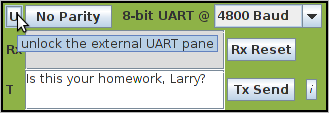
Text
windows
in the External UART too small?
Now you can unlock the UART.
|
Simulate Your C Code in EdSim51
Import Embedded C using
the Intel HEX
reader/writer.
|
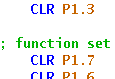
Syntax Highlighting
|
Change the System Frequency

|
Type in a Value for Update Freq.
|
|
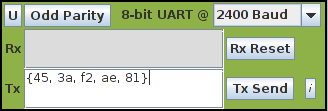
UART Transmitting HEX Data
|
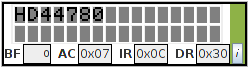
The LCD
Module with CGRAM
|
|
|
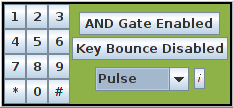
Keypad
Modes and
Interrupt
|
|
|
|
| Source
Pane Unlocker |
|
|
|
|
|
|
Do
you want to
learn about microcontrollers and embedded systems?
Are you studying the 8051
microcontroller?
Do you want to test your code for
communicating with
peripherals without having to first build the hardware?
Are you teaching an embedded systems
course and would
like your students to have access to a virtual 8051 training kit?
If the answer to any or all of the above is yes,
then you've come to the right place.
The EdSim51 Simulator for the popular 8051 microcontroller
is exactly the tool you need.
And it's FREE!
A virtual 8051
is interfaced
with virtual peripherals such as a keypad,
motor, display, UART, etc.
The student can write 8051 assembly code, step through the code and
observe
the effects each line has on the internal memory and the external
peripherals.
Having
trouble
with
EdSim51
in Windows 7/8?
Your JAR files may have been hijaked. Fix it. |
|
| |
|
|
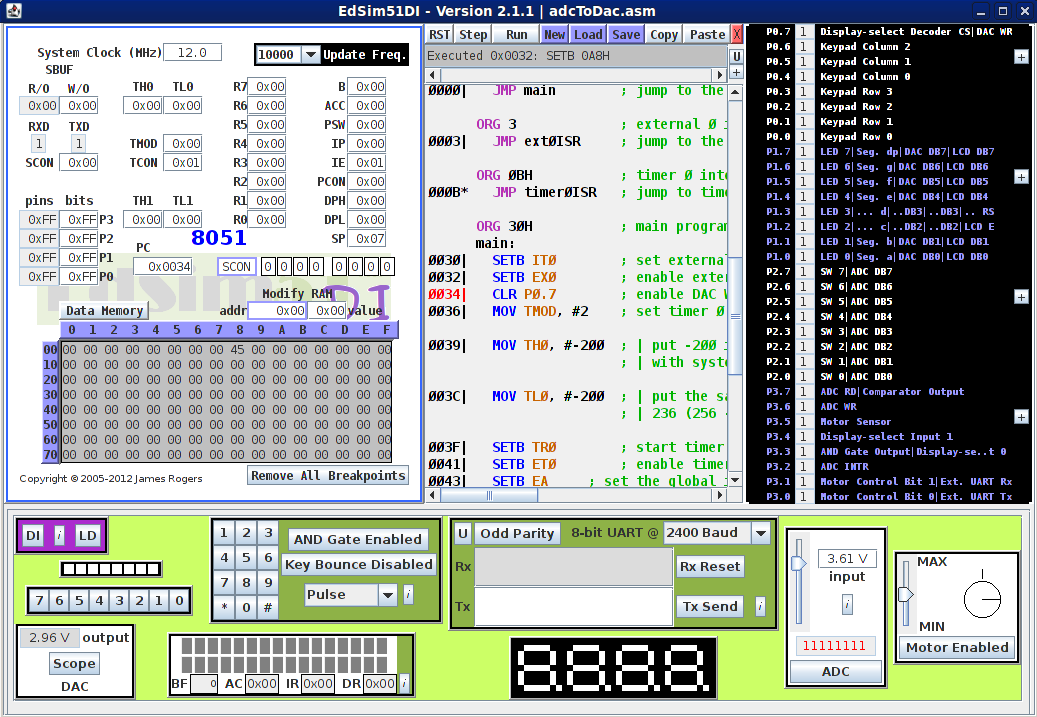
The screenshot below shows the simulator in action. | full-size
image
|
|
| |
| The Virtual Peripherals: |
- Analogue-to-Digital Converter (ADC)
- Comparator
- UART
- 4 Multiplexed 7-segment Displays
- 4 X
3 Keypad
- 8 LEDs
- DC Motor
- 8 Switches
- Digital-to-Analogue Converter (DAC) - displayed on
oscilloscope
|
| |
| Why EdSim51's Simulator and not some of the
many other
simulators that are available? |
| Many of the simulators for the 8051 that you will find
are
industry-standard. They are used by professional 8051-based embedded
systems designers. While they show the state of the registers, memory
and the port pins while code is being debugged, they do not have
graphical representations of peripherals that can be used interactively
to communicate with the 8051. EdSim51 have filled that need. |
| The student can learn how to scan a keypad, multiplex
7-segment displays, control a motor and count its revolutions, etc. |
| |
| Find out all about the simulator here: EdSim51's 8051 Simulator |
| |
| Please send us your comments
with feedback, suggestions or if you spot mistakes in either the
simulator or the notes. Thank you. |
| |
|
|
Fixing the Windows 7 hijaking
problem.
A number of Windows 7 users have reported problems with launching
EdSim51. It seems Windows 7 may be hijaking JAR files. Johann
N.
Löfflmann has kindly provided a solution. Thanks to Ishwar
Bhat for finding this solution. |
|
|
|
| Microcontroller
Fundamentals Simulations |
| EdSim51 have also developed a browser-based simulation
of
three key microcontroller concepts: |
- Memory Read Cycle
- Memory Write Cycle
- Instruction Execution Cycle
|
| These simulations require nothing more than a web
browser
such as Firefox or Internet Explorer. |
| Click on EdSim51's The
Fundamentals Simulations. |
|
EdSim51
is FREE
Copyright Notice: EdSim51 and EdSim51DI are available free
of charge.
No part of EdSim51 or EdSim51DI or their documentation may be sold for
profit or
included in a package that is sold for profit without written
authorisation from James Rogers.
Contact: edsim51@gmail.com
|
|
| |
| |
|
|
|
| |
|
Copyright
(c)
2005-2022 James
Rogers
|